Music video guides
You have a song. These guides cover what to show, which part to use, how to fix the lip sync and where to publish it. Every number comes from our own renders.
 Start here
How to Make a Music Video with AI (Step-by-Step Guide)
You finished the song. Now it needs a video. Here is how to turn one track and one photo into a beat-synced music video, without a camera crew or editing skills.
Follow a question
Make my first video
Three steps from a finished song to a video you can post.
Make the lip sync look right
Most bad results come from the photo, not the model.
Publish it
Get the file accepted by the platform and reuse it for more posts.
Browse the library
Start with your song
Pick the part of the song, the photo and the shape of the video before you spend credits.
 6 min read
How to Make a Photo Sing a Whole Song (Not a 20-Second Clip)
Most photo-singing apps stop at 20 or 30 seconds. Here is what changes when the whole track is rendered in one pass, what that costs, and where the limits still are.
Read 5 min read
Why AI Singing Clips Jump Between Shots (and How to Fix It)
If you joined three AI clips of the same photo and the singer snaps back to the original pose at every join, the problem is how the clips were made, not your editing. Here is why it happens and four ways to hide it.
Read 11 min read
How to Make a Video with Pictures and Music (3 Easy Ways)
Three ways to turn photos and a song into a video, from a free photo slideshow to a single cover image to a fully animated AI music video, plus the trick that makes every photo change land on the beat.
Read 6 min read
How to Make a Music Video on iPhone (3 Easy Ways)
Three ways to make a music video with nothing but your iPhone, from filming yourself and editing in iMovie, to turning photos and your song into a video, to letting AI build the whole video from one photo.
Read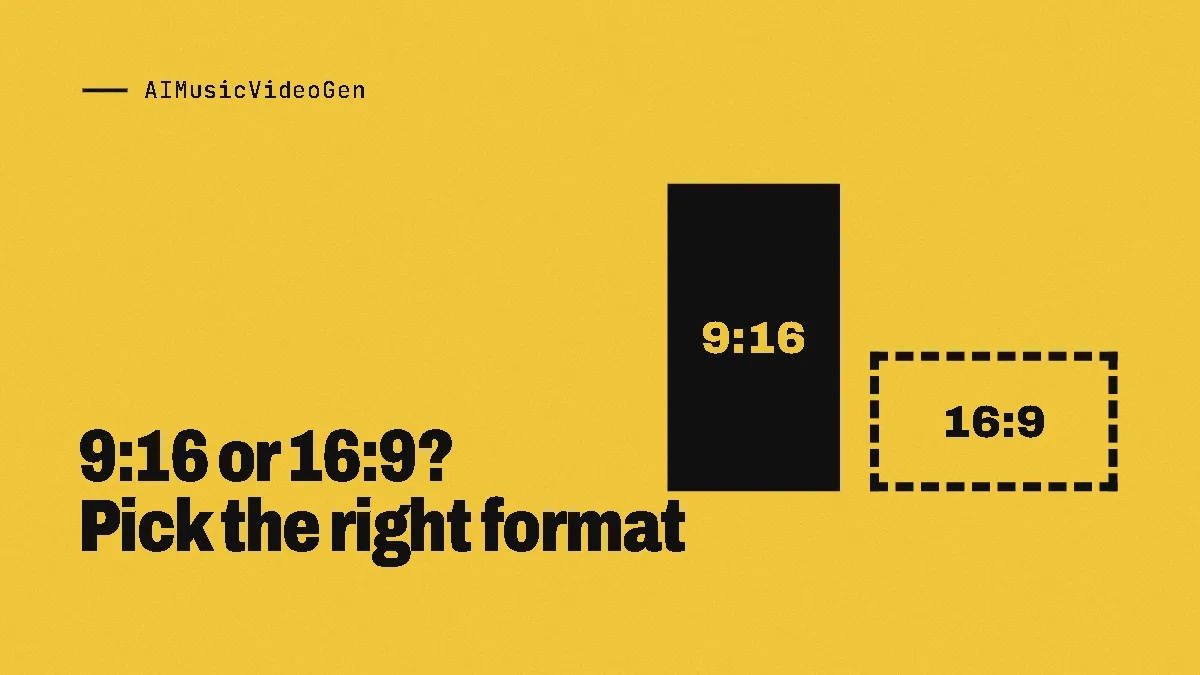 2 min read
Vertical vs. Landscape Music Video: Which Format to Choose?
9:16, 16:9, 1:1, 4:3 or 3:4? The right aspect ratio depends on where your fans watch. Here is a simple way to decide.
ReadSuno and AI songs
What Suno does and does not make, how to download the right file, and how to give an AI song a face.
 6 min read
How to Make a Music Video for Your Suno Song (2026 Guide)
Suno can write the song, but its own video export is just your cover art. Here is how to download the right file, stay within Suno's new rules, and turn your Suno track into a real music video.
Read5 min readCan Suno Make Music Videos? What It Does (and What It Does Not)
Suno can write the song, but the video button only gives you cover art with audio behind it. Here is exactly what Suno's video export is, what the 2026 download rules allow, and the three ways to get a video that people actually watch.
Read 4 min read
MiniMax H3-Image: 4K Images in 10 Seconds, and How to Use Them in a Music Video
MiniMax released H3-Image on 10 November 2026: an open-weight model that makes 16-megapixel images in about ten seconds, edits with up to 16 reference images, and runs in ComfyUI. Here is what it does, how to run it, the licence catch, and how to turn the portraits it makes into a lip-synced music video.
ReadPlatforms and specs
Sizes, lengths and formats that get accepted by TikTok, YouTube and Spotify.
 5 min read
Spotify Canvas Size, Specs and How to Make One (2026 Guide)
The exact Spotify Canvas dimensions, length and file format, the content rules that get a Canvas rejected, how to upload one, and how to fix a Canvas that is not showing.
Read6 min readHow to Add a Song to a Video (3 Ways, and What Each One Costs You)
Three ways to put a song on a video: merging audio onto footage, turning photos into a video, and generating the visuals. Includes measured render times and file sizes from our own converter.
ReadSpotify Canvas maker
Cut a 3 to 8 second, 9:16 loop from a video or image, free in the browser.
ReadAudio to video converter
Turn an MP3 into an MP4 with cover art or a moving visualizer.
ReadMake the same video
Put your face in a trending clip and keep its moves, camera and sound.
ReadCompare and choose
What each tool does, what it costs and where it stops.
 5 min read
Best App to Make a Picture Sing in 2026 (What to Check Before You Pay)
Most apps that make a photo sing are built for 10 to 30-second social clips. If you want the whole song, the list changes. Here is how the categories differ, the seven things to check before paying, and where each one fits.
Read 8 min read
Best AI Music Video Generators in 2026: 8 Tools Compared
An honest comparison of the AI music video generators artists actually use in 2026, including Freebeat, Neural Frames, Kaiber, Revid and InVideo, with free tiers, watermarks and real prices.
ReadFreebeat alternative
Free credits, watermark and price compared side by side.
ReadRevid alternative
Lyric captions versus a lip-synced performance video.
ReadSpecterr alternative
A free visualizer or an AI music video: what each one is for.
ReadHow these guides are made
- Written by the team that builds the tool, not by an agency.
- Credits and render times come from our own account; failed renders are included where they explain a choice.
- Free tools are tested in Chrome, Safari and on an iPhone before they ship.
- Prices and platform rules change; each guide gives the date its facts were checked.
Where the rules come from: Suno Help Center, Spotify for Artists and YouTube Help. Rules change, so each guide gives the date its facts were checked.
Make a video from your song